

Step-by-Step Guide to Posting a Job Offer
How to Post a Job Offer on the EIT Health Innovators Community Platform
Are you looking to attract top talent in the health innovation space?
The EIT Health Innovators Community platform makes it easy to connect with a vibrant network of professionals, startups, and partners eager to discover new opportunities. Whether you’re recruiting for a specific role or sharing a freelance project, our step-by-step guide will help you post your job offer in just a few minutes.
Let’s dive in!
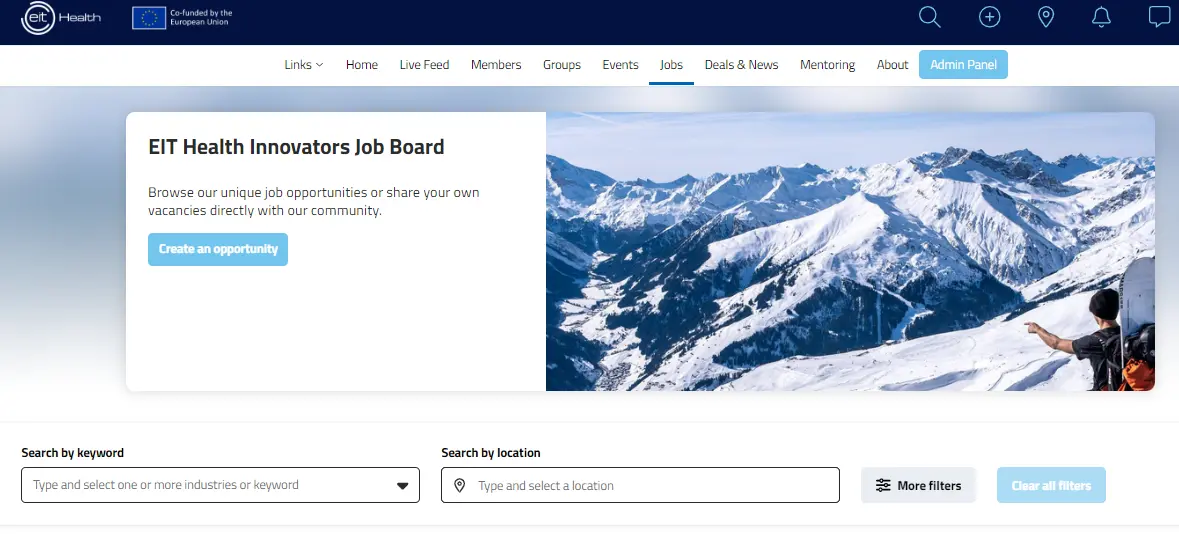
1. On the main menu, click on ‘Jobs’. This will take you to the job listings page where you can view current opportunities and add a new job post.
2. Click on “Create an opportunity” - https://community.eithealth.eu/opportunities/new
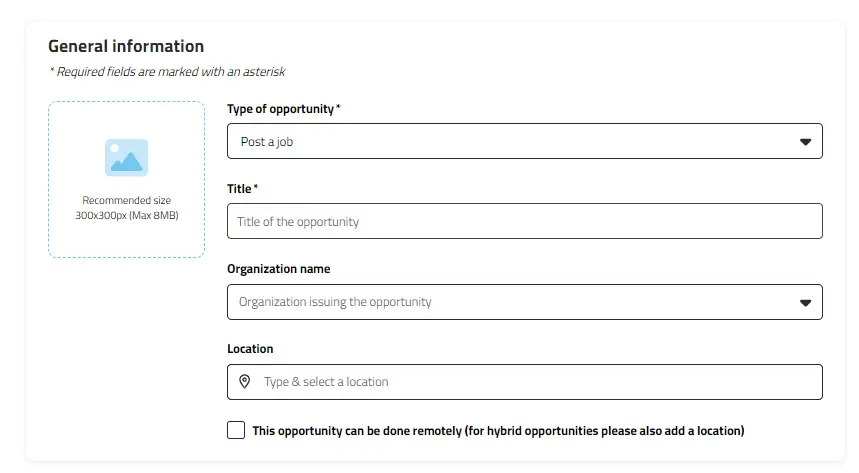
3. Specify the type of opportunity you’re posting, such as a job offer, internship, volunteering role, short-term project, or a call for collaboration. Then, provide the title of the opportunity, the organisation’s name, and the location. If the role is remote, simply select the remote work option.
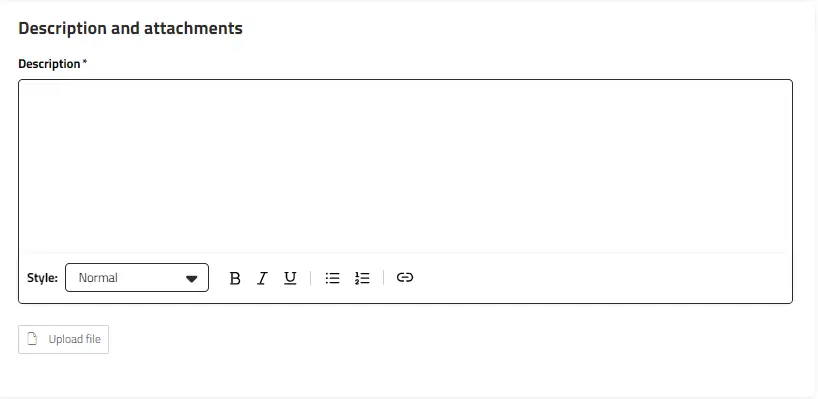
4. Write a clear and engaging description of the opportunity. If you have any additional information, you can upload a supporting PDF file. The more detailed and specific you are, the more likely you are to attract well-matched candidates.
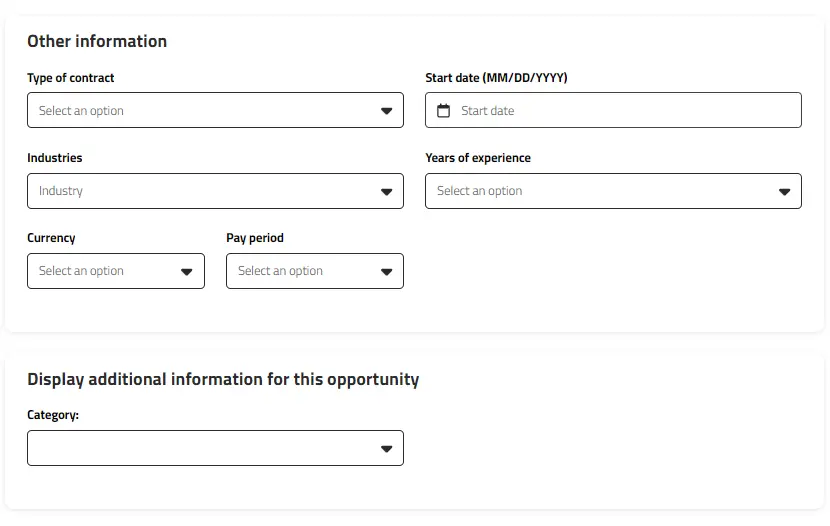
5. Specify the contract type (e.g., full-time, part-time, freelance), the expected start date, and the preferred level of experience for candidates. You can also add relevant categories or fields within healthcare to help candidates better understand the focus of the opportunity.
6. Select how candidates can apply: via email, an external link, or simply for informational purposes (no direct application).
If you’re using your company’s application site, request candidates to mention “EIT Health Innovators Community” in their application. Additionally, if you collect data on how applicants found the job, please include “EIT Health Innovators Community” as an option in your dropdown list. This helps us track engagement and demonstrate the value of our platform.
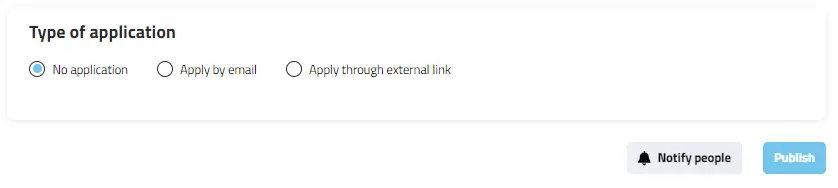
7. Double-check all the details you’ve entered. Once you’re satisfied, click ‘Publish’. Your job offer is now live and visible to the entire EIT Health Innovators Community.
Final Tips
• Be Specific: The more details you provide, the easier it will be for potential candidates to determine if they’re a good fit.
• Update Your Listing: Once the position is filled, please mark it as closed. Additionally, let us know if the selected candidate came from our community. This feedback helps us measure the impact and value of our platform.